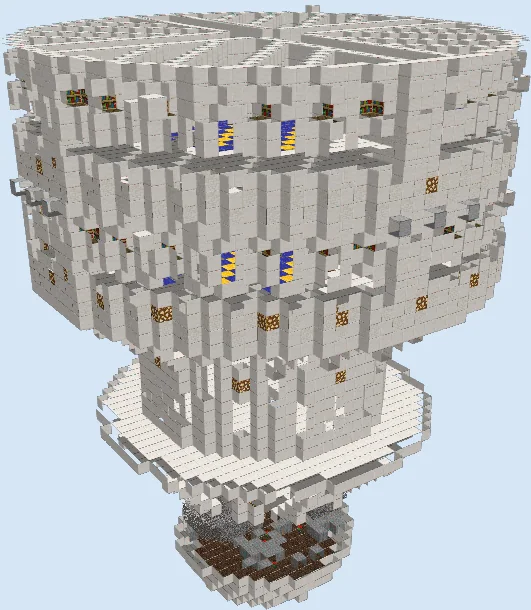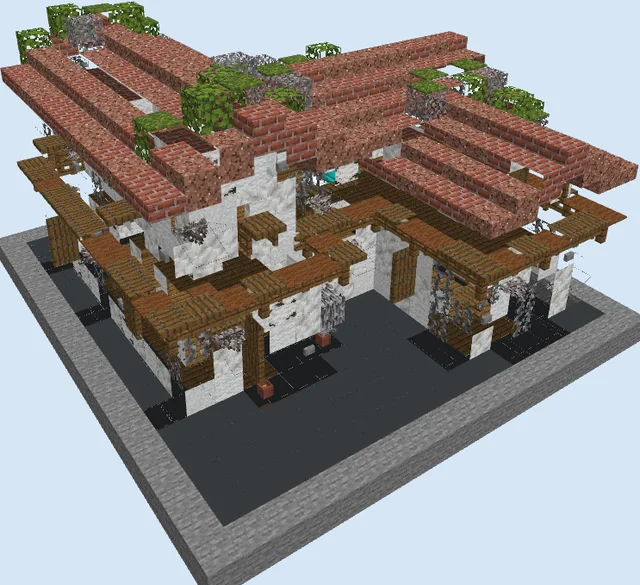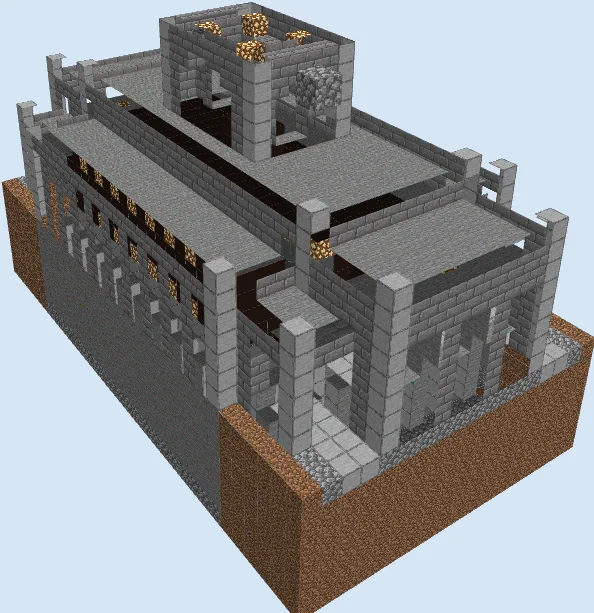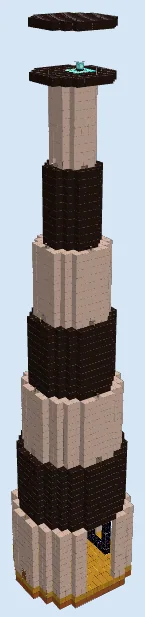
What you are building
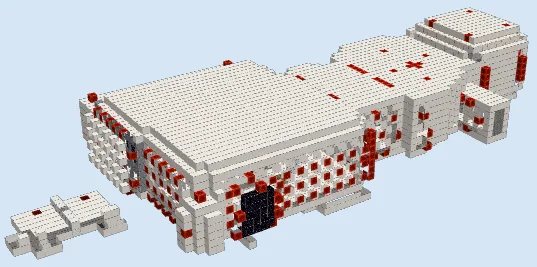
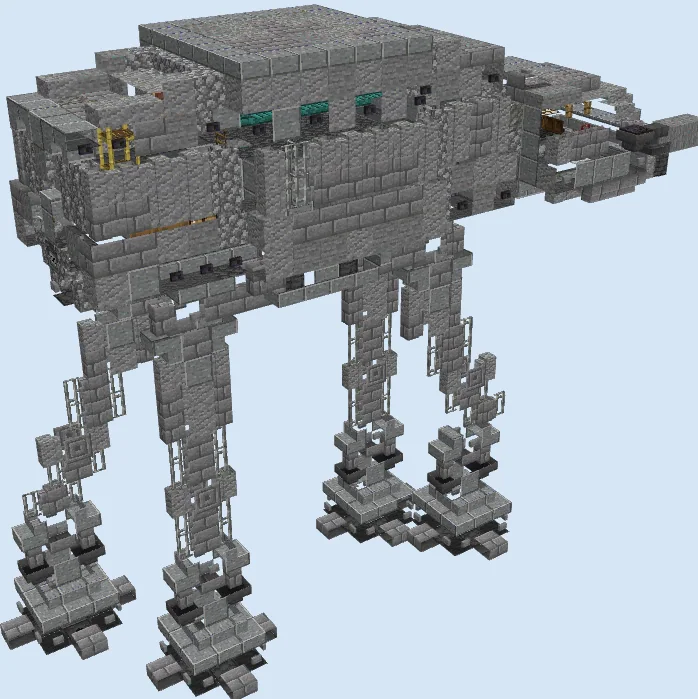
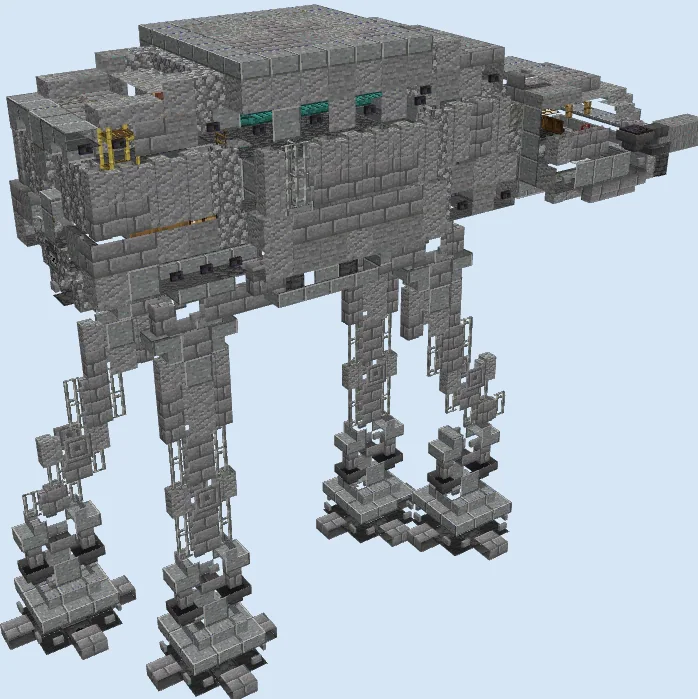
Bring the galactic civil war to your world with this impressive, 1:1 scale AT-AT Walker. This build captures the menacing silhouette of the legendary Imperial transport, perfectly suited for a snow biome, a desert outpost, or as a massive centerpiece for a sci-fi themed base.
It is an ideal project for Star Wars enthusiasts looking to add a unique, iconic structure to their survival or creative worlds. Its imposing size and intricate mechanical detailing make it a fantastic conversation piece for any server or single-player map.
Materials 1,166 blocks · 55 types
- Polished Andesite1802 stacks + 52
- Andesite981 stack + 34
- Stone Brick Wall841 stack + 20
- Polished Andesite Stairs741 stack + 10
- Polished Andesite Slab701 stack + 6
- Andesite Wall661 stack + 2
- Stone Button59
- Cobblestone Slab48
- Cobblestone47
- Stone Brick Slab38
- Iron Bars38
- Stone Bricks38
- Stone36
- Polished Blackstone Button29
- Andesite Slab26
- Warped Stairs24
- Blast Furnace19
- Cobblestone Wall18
- Dispenser16
- Tuff16
- Light Gray Stained Glass Pane12
- Stone Slab11
- Hopper10
- Gray Stained Glass Pane8
- Cobblestone Stairs8
- Chain7
- Chiseled Stone Bricks6
- Polished Deepslate Wall6
- Stone Brick Stairs6
- Polished Basalt4
- Polished Deepslate4
- Barrel4
- Polished Deepslate Stairs4
- Mangrove Button4
- Scaffolding4
- Iron Door4
- Andesite Stairs4
- Tripwire Hook4
- Red Stained Glass3
- Ladder3
- Iron Trapdoor2
- Cobbled Deepslate Stairs2
- Comparator2
- Anvil2
- Crafting Table2
- Lever2
- Chest2
- Dark Oak Trapdoor2
- Stone Pressure Plate2
- Polished Blackstone Pressure Plate2
- Daylight Detector2
- Furnace1
- Loom1
- Grindstone1
- Soul Lantern1
Block palette
The build relies on a gritty, industrial palette of Polished Andesite, regular Andesite, and various Stone Bricks. This combination effectively mimics the heavy, plated metallic armor of the machine while providing excellent texture depth.
If you lack specific materials, you can easily swap Stone Bricks for additional Andesite or replace Polished Blackstone Buttons with regular Stone Buttons to maintain a consistent monochrome aesthetic.
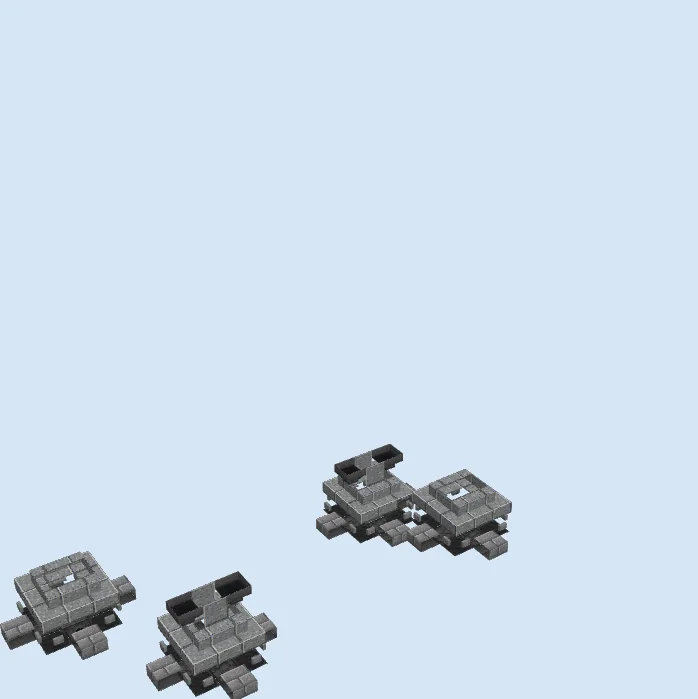
Establish the foot pads
Layers 1–3 of 23Begin by laying down the foundation for the four feet. Use Polished Andesite and Cobblestone to create the heavy, flat bases of the walker, incorporating Polished Blackstone Buttons to add mechanical detailing to the lower joints.
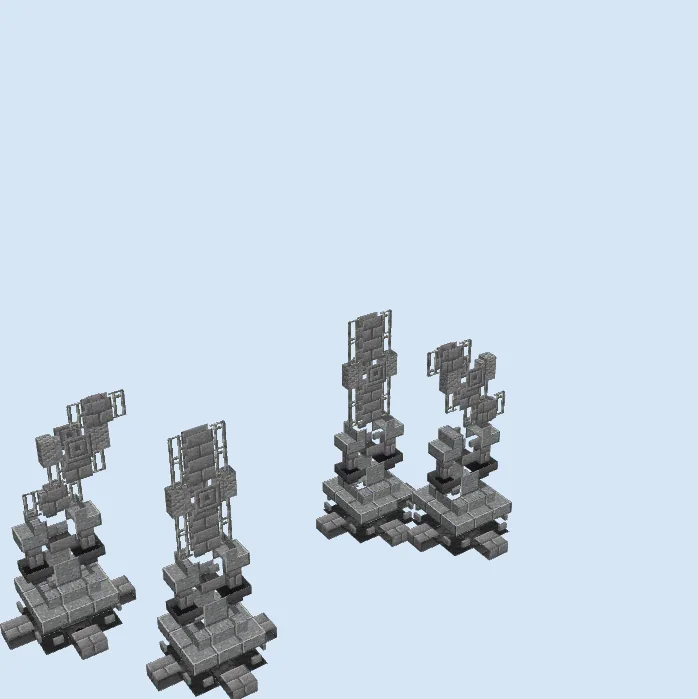
Construct the support legs
Layers 4–10 of 23Extend the legs vertically using a mix of Andesite, Stone Bricks, and Iron Bars to create the internal structural supports. This creates the iconic spindly appearance of the AT-AT legs before the main body is attached.
Frame the primary hull
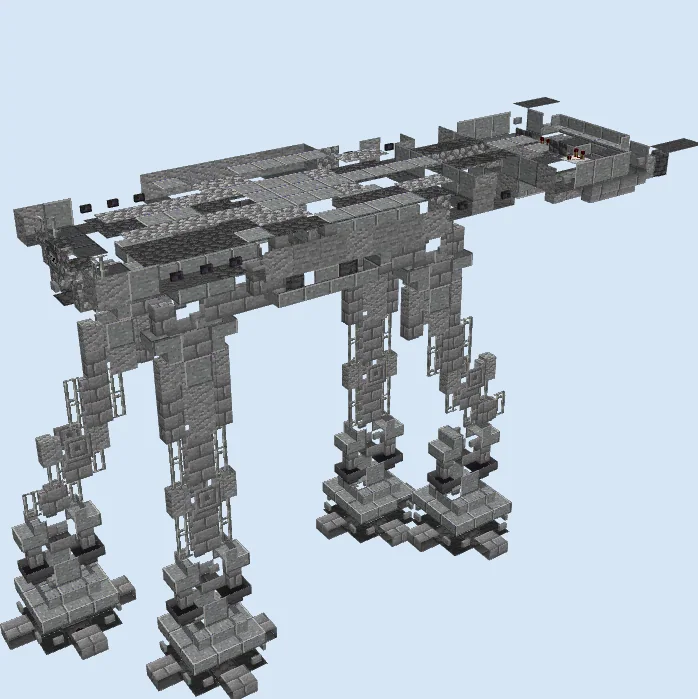
Layers 11–17 of 23Build the rectangular main body over the four legs. Use Polished Andesite and Stone Bricks to construct the flat top and sides of the fuselage. Add layers of Cobblestone and Stone Brick Slabs to build out the armored plating and start forming the distinct, sloped forward command cabin.
Detail the armor and head
Layers 18–23 of 23Finalize the build by adding the finished cockpit head, Warped Stairs for the viewports, and Blast Furnaces for engine or structural details. Add Stone Buttons across the exterior surfaces to simulate rivets and armor panels, ensuring the silhouette is complete.
Finishing touches
For the final touches, consider placing it in a snowy biome to mimic the Battle of Hoth. Add light sources like End Rods or lanterns hidden under slabs to give the machine a powered-on feel, and use grey concrete powder or carpets to add slight variations in the ground texture around the feet.
Frequently Asked Questions
Can I live inside this walker?
Yes, the interior is hollow and spacious enough to serve as a high-tech storage room, a secret base, or even an automated mob farm.
What is the best biome to build this in?
It looks best in a Frozen Ocean or Snowy Plains biome, as it pays homage to its most famous appearance on the ice planet of Hoth.